How to Use your Library
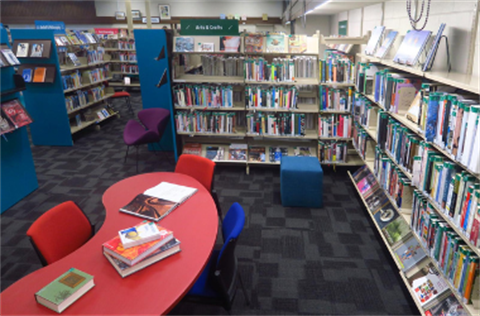
We want to help you get the best out of using your library, so we've brought together some of the self-help guides we've created over the years. Learn how to use our online library catalogue by clicking on the slide below or find out how to critically analyse information you're finding on the Internet or social media (Critical Thinking). We now even have a page on AI - go HERE to find out more.
Critical Thinking
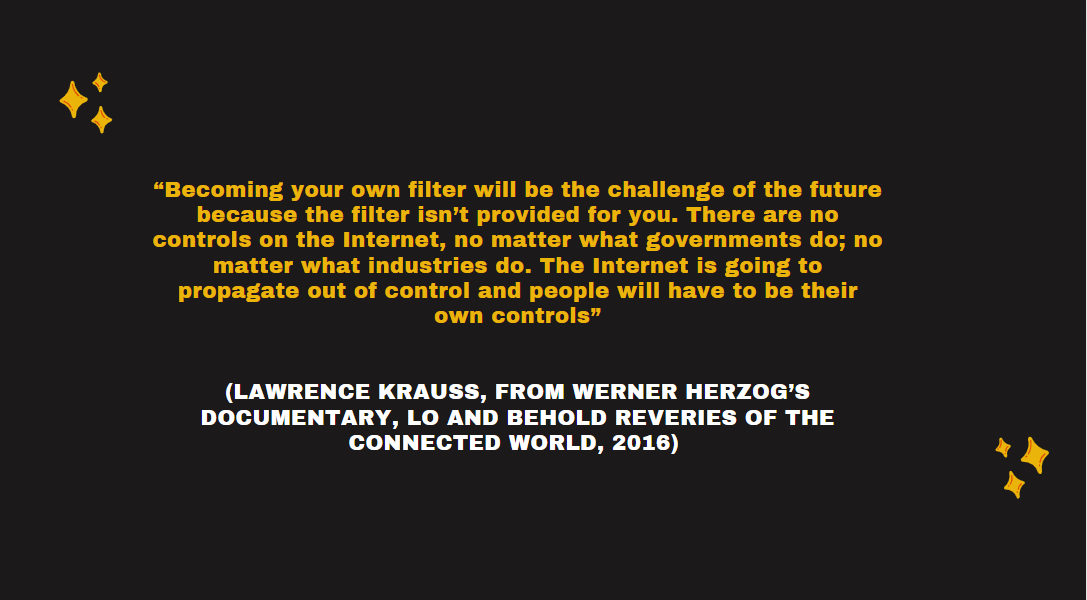
Misinformation, disinformation, malinformation, deep fakes, fake news, conspiracies, fraud, hoaxes, scams and phishing. We live in a fast changing world ruled by information technology that may seem overwhelming in its delivery of information. To make matters worse, social media platforms and their algorithms are delivering us information it thinks we need to see, often with the intent of selling us things or reinforcing our political biases among other things.
Luckily, Waitaki District Libraries is here to help. We have recently been recognised by the Library and Information Association of New Zealand/Aotearoa's Standing Committee on Freedom of Information for the work we have done in helping people detect and critically analyse the types of information promulgated in these fast changing information environments.
As a result, we have been asked to make this information readily available to libraries and members of the public across New Zealand. To do this, we have created a brochure that can be instantly downloaded here:. How-to-SIFT-throught-the-CRAP-Trifold-Brochure-4.pdf(PDF, 928KB)
Along with this brochure, our information and digital literacy librarian is also available to give a presentation and/or conduct a workshop to help you, your school, or your organisation come to grips with these vital skills. To find out more, please Contact Us.
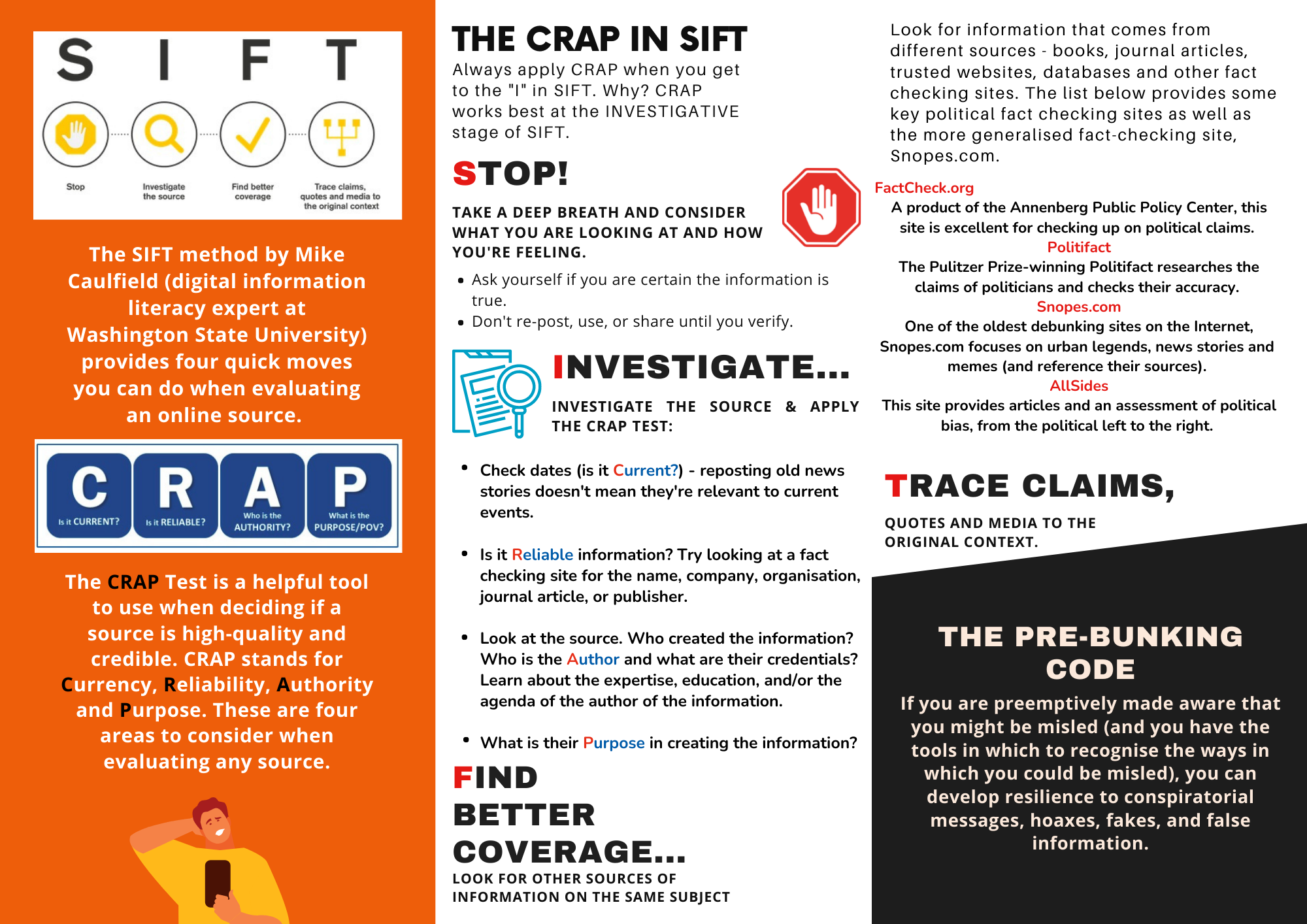
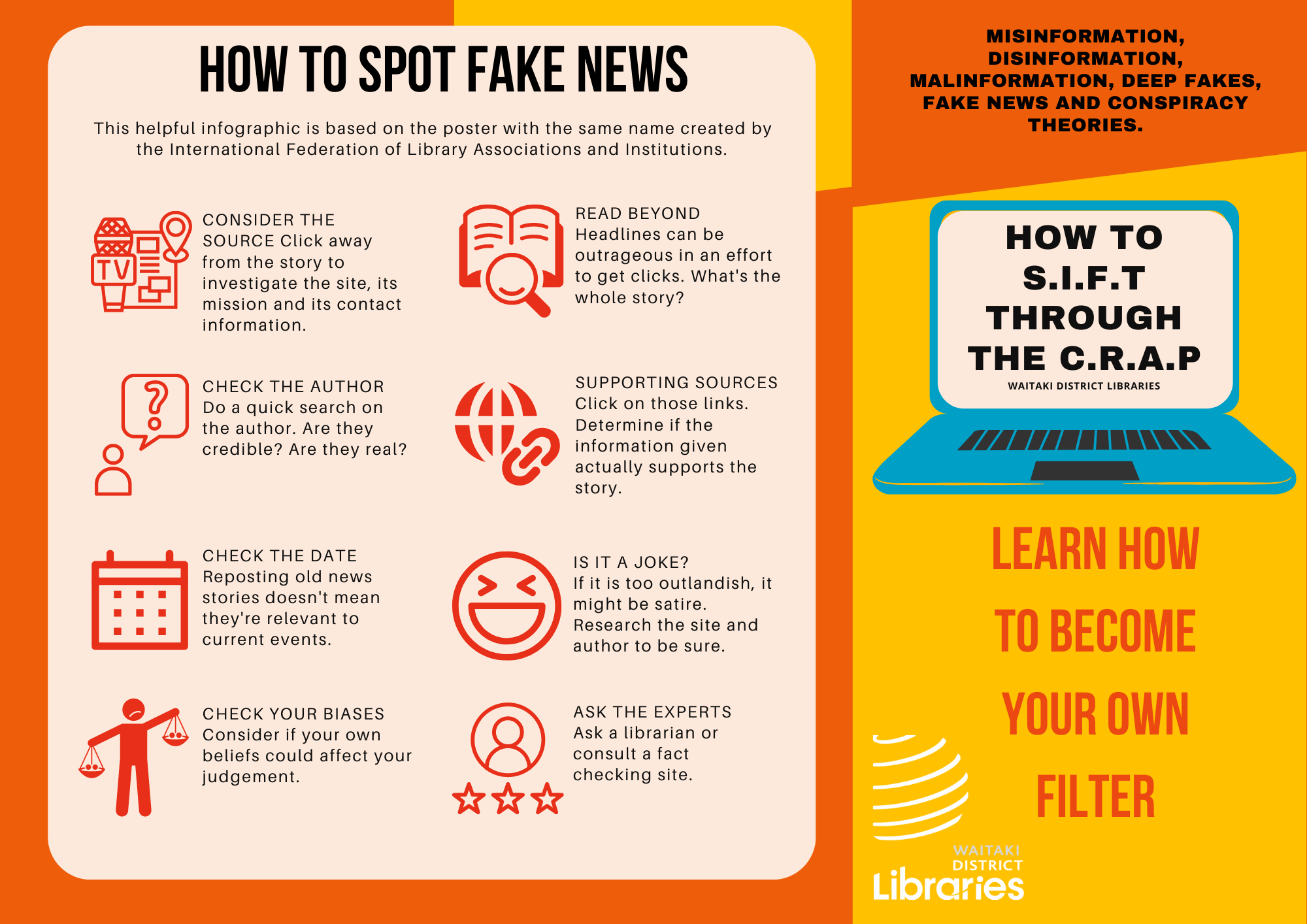
Please note: This brochure has a Creative Commons License of Attribution-NonCommercial-NoDerivatives 4.0 International. To find out more, please visit:https://creativecommons.org/licenses/by-nc-nd/4.0/legalcode